Easy animalView sample
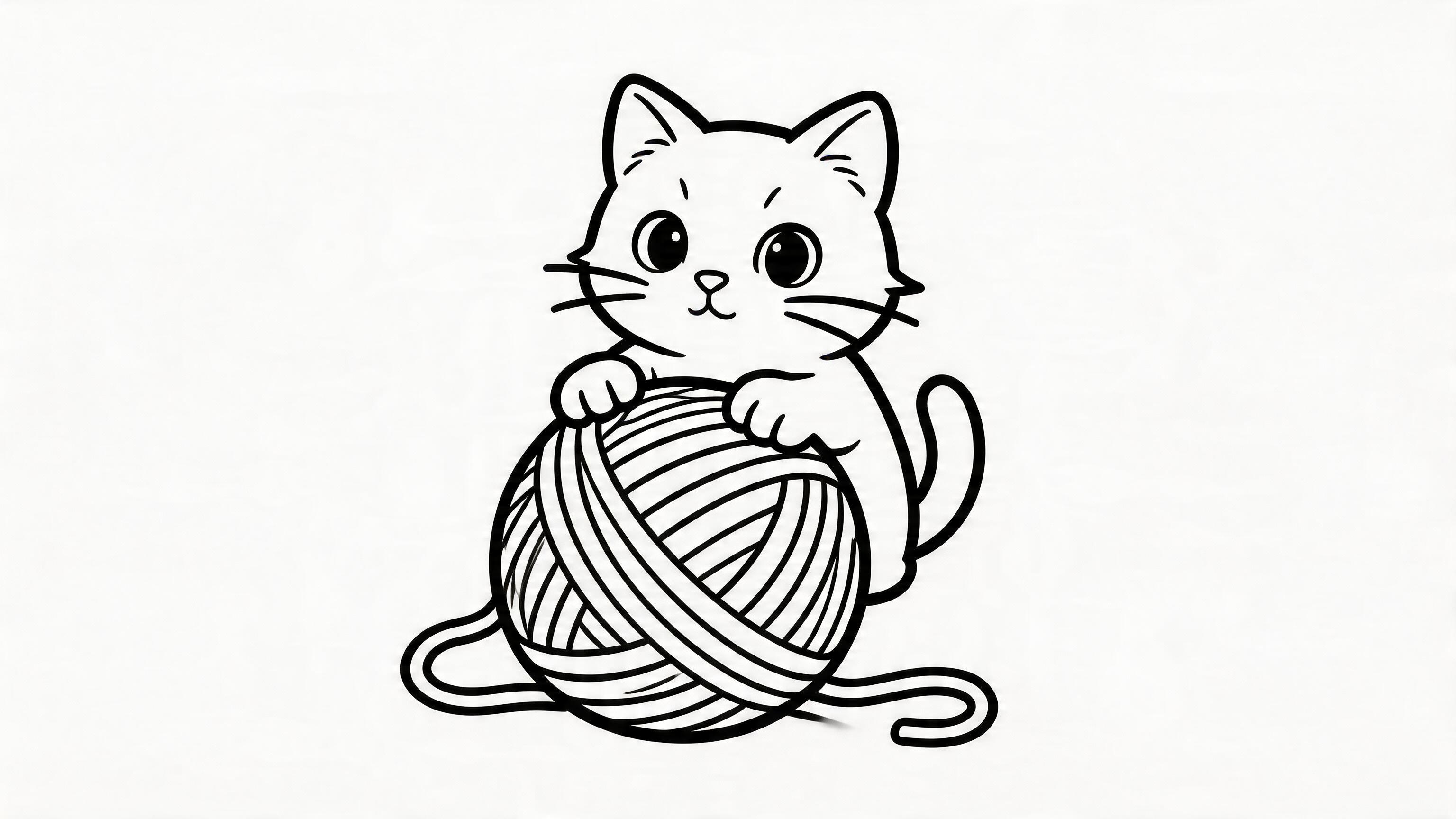
Kitten with open spaces
A cute fluffy kitten sitting on a soft cushion with a ball of yarn, bold clean outlines, simple printable coloring page.
US Letter and A4

Every page on ColorPage AI downloads as a clean high-resolution PNG, sized to print perfectly on standard paper at home. No special printer, no special paper, no fuss.
Printable search intent is simple: users want a page that works on a home printer. These examples use large subjects, bold outlines, and enough open space for kids to finish.
A cute fluffy kitten sitting on a soft cushion with a ball of yarn, bold clean outlines, simple printable coloring page.
US Letter and A4
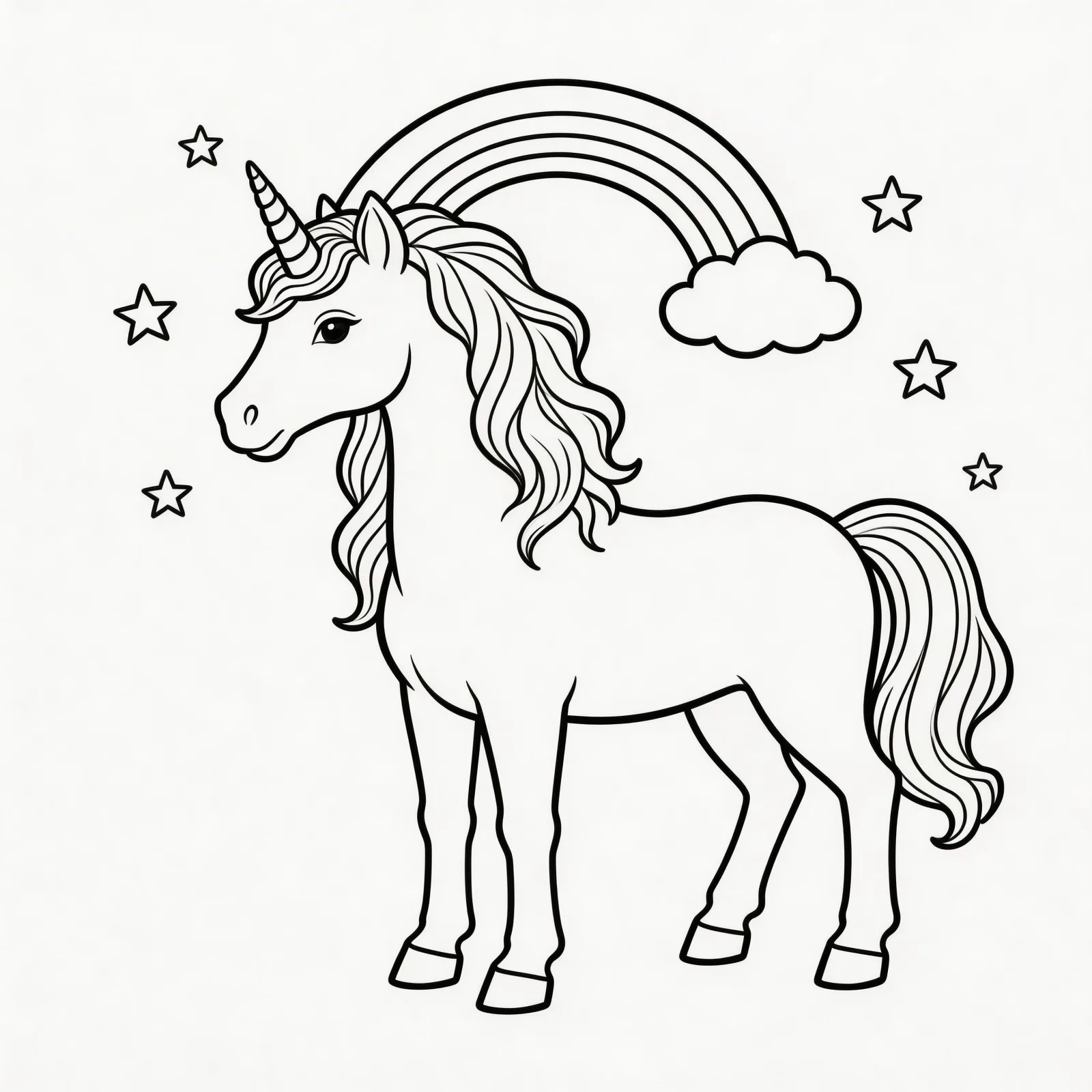
A baby unicorn under a rainbow with simple flowers, bold clean outlines, printable coloring page.
No PDF needed
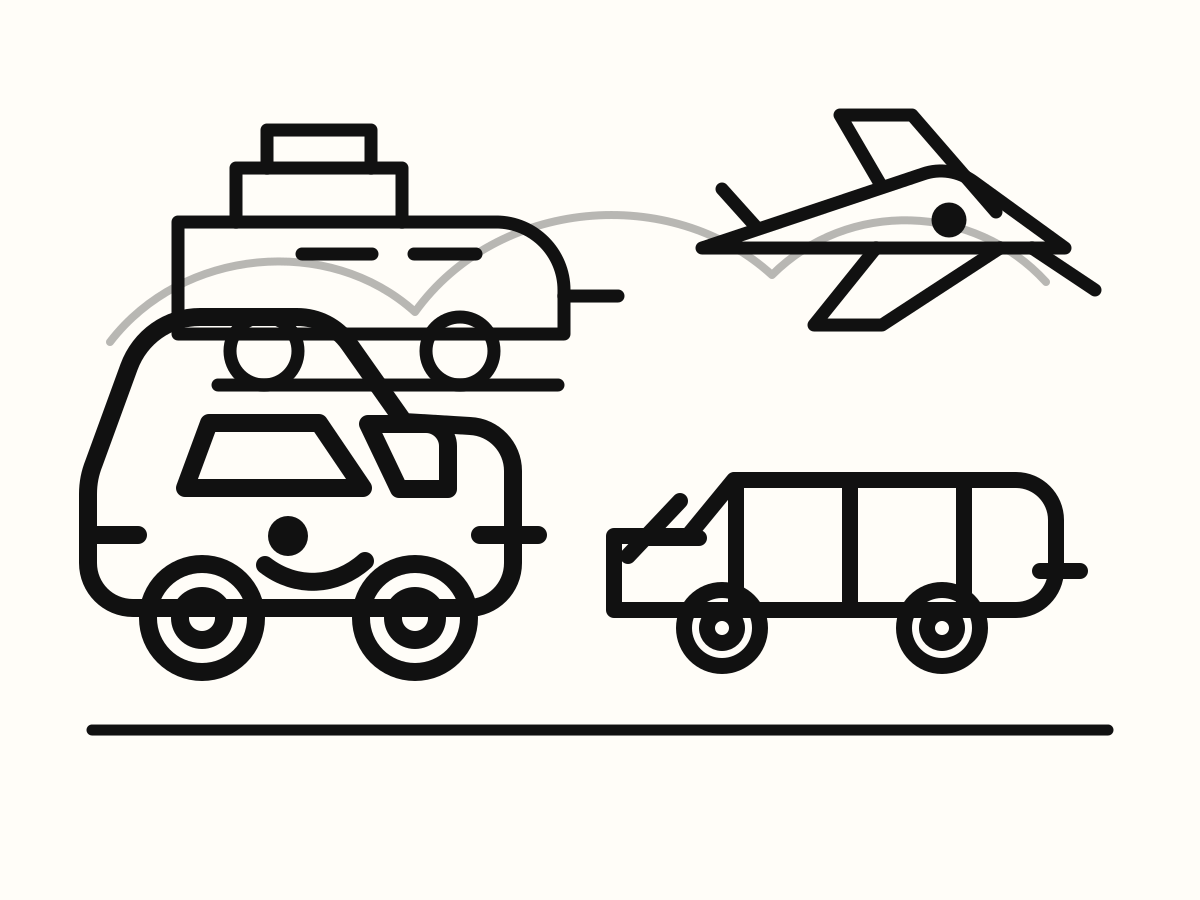
A friendly dump truck, train, airplane, and rocket arranged with big open spaces, printable coloring page.
Good packet page
How To Print
Click download on any generated page or theme example. The file saves to your computer or phone instantly. No account needed to view existing themes.
Open the PNG in any photo viewer or browser. Press print. Choose "Fit to page" so the page scales properly. Standard inkjet or laser printer works.
Crayons, markers, colored pencils — all work great. Lines are bold and clean so colors stay inside without bleeding through.
Print Tips
In the print dialog, select "Fit to page" or "Scale to fit" so the image fills the paper properly without cutting off edges. This works for both US Letter and A4.
Save ink by selecting "Grayscale" or "Black ink only" in printer settings. Coloring pages don't need color ink — the lines are pure black.
If you're using markers, try card stock (90-110 gsm) instead of regular printer paper. It prevents bleed-through and works better with younger kids.
Need a stack of pages for a classroom or birthday party? Most printers let you print multiple copies in one job — just set the quantity in the print dialog.
Most public libraries offer cheap or free printing. Save the PNG to a USB drive or email it to yourself, then print directly from a library computer.
Pick "Easy" difficulty in the generator — it uses bolder, fewer lines so prints use less ink and look great even on draft-quality printer settings.
Pick The Right Printable
Some visitors want ready-made printable coloring pages. Others need a custom printable page for a child, photo, classroom topic, or party. Use the path that matches your need.
Printable Sample Pages
Good printable coloring pages use a large subject, bold outlines, and limited background detail. These examples link to theme pages where you can copy a prompt or generate a similar page.
Ready-to-Print Themes
Each theme below has prompt ideas you can run instantly. Generate your printable page in seconds and start coloring.
Home Use
Print on demand whenever your child wants a coloring page. No more buying coloring books with pages they don't care about. Personalize for birthdays, sick days, or rainy afternoons.
Classroom Use
Generate themed worksheets to match your weekly lesson — solar system, alphabet, farm animals, holidays. Print one for the whole class. No watermarks, no attribution required.
FAQ
Standard US Letter (8.5 × 11 in) or A4 (210 × 297 mm) works perfectly. Just select "Fit to page" in the print dialog and the image scales correctly.
No. Coloring pages are pure black-and-white line art — print in grayscale to save ink. Any home inkjet or laser printer works fine.
Yes. New accounts get 1 text page and 1 photo page free. All existing theme pages are free to view and print as many times as you want. To generate new custom pages beyond the free trial, credit packs start at $4.99.
PNG prints cleanly on every printer without any extra software. It opens in any browser or photo viewer and prints with one click. PDFs sometimes need extra apps and can cause sizing issues.
Yes. Save the PNG to your Photos app, then use AirPrint (iPhone/iPad) or built-in print sharing (Android) to send it to any wireless printer.
No. Pages are clean line art only. No logo, no watermark, no attribution required for personal or classroom use.
Generate a custom page or pick one of our ready-made themes. Either way, your printable PNG is ready in seconds.