Pet photoView sample
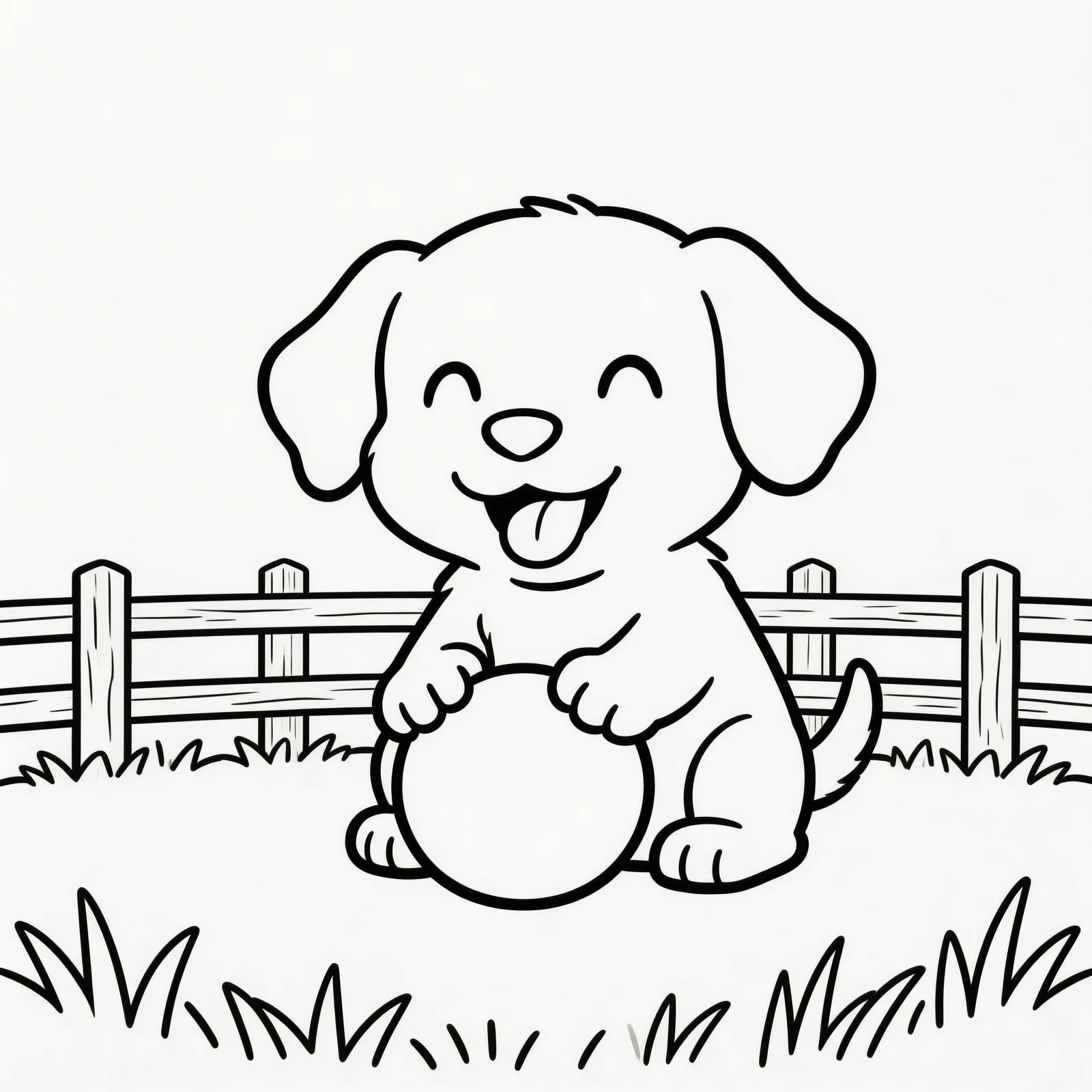
Dog or puppy
Upload one bright dog or puppy photo with the pet filling most of the frame and a simple background.
Best first photo test

Photo conversion works best when the photo has one clear subject and a simple background. Start with a clean image, then let the generator simplify it into bold outlines.
The best photo-to-coloring-page results come from clear photos with one subject instead of crowded scenes.
A good printable page should be easy to understand before a child picks up a crayon. Use the sample as a quality target, copy the prompt style, generate a similar page, then print the PNG on normal paper.
Upload one clear photo of a single subject and keep the background simple before converting it into a printable page.
Use one clear photo, crop tightly around the main subject, then avoid busy backgrounds before generating the printable page.
Use one bright photo with one child-safe subject and good contrast.
Keep the subject centered and remove background clutter when possible.
Aim for bold outlines, clear shapes, and open spaces for coloring.
This page is less about wording the perfect prompt and more about choosing the right source photo.
Keep browsing nearby themes, or use a generator when you need a custom version.
Photo to coloring page works best when the source image has one clear subject. These examples show the safest paths: one pet, one object, or one simple kid-friendly scene.
Upload one bright dog or puppy photo with the pet filling most of the frame and a simple background.
Best first photo test
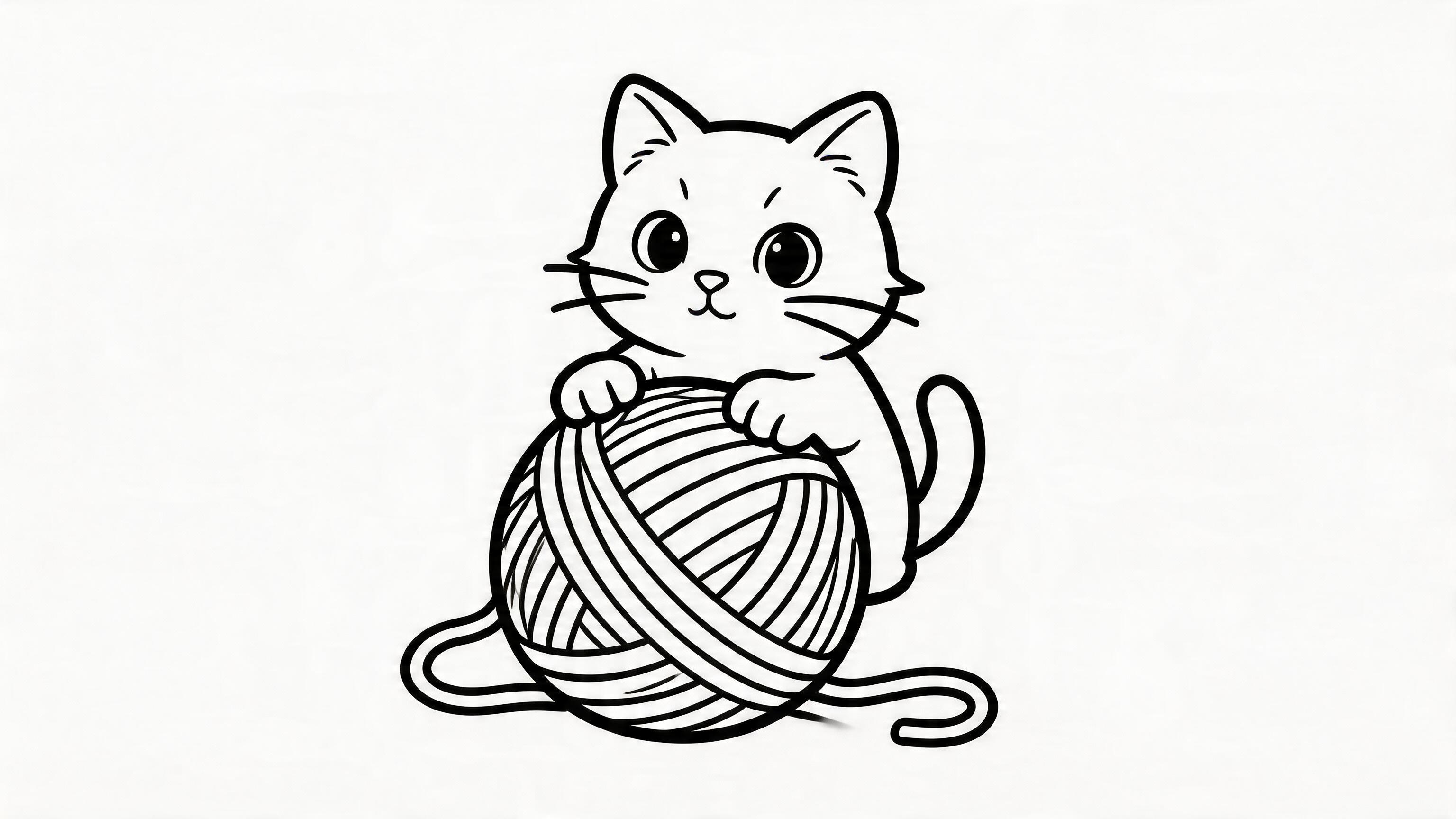
Upload one clear cat photo, crop close to the face or full body, and avoid furniture or patterned blankets.
Use a close crop
Upload one toy, craft, flower, or child drawing on a plain background so the outline stays easy to color.
Avoid busy rooms
Best Photo Types
What photos convert into cleaner coloring pages?
A dog, cat, rabbit, horse, or bird photo usually works well when the animal fills most of the frame.
Toys, flowers, cakes, cars, and school projects are easier to simplify than crowded rooms or group photos.
Use one person, good lighting, and a plain background. Avoid tiny faces, shadows, and busy patterns.
Conversion Checklist
Use this checklist before uploading
Crop the image so one subject is obvious. A close crop usually beats a full scene.
Choose high contrast. Pale photos and dark photos create weak outlines.
Remove background clutter when possible. Busy backgrounds often turn into noisy lines.
Print the PNG directly on US Letter or A4. You do not need a PDF for normal home printing.
Photo Conversion FAQ
Common photo to coloring page questions
Yes. Pet photos are one of the best uses for image mode. A close-up dog, cat, rabbit, or horse photo with a simple background usually creates cleaner outlines than a wide photo with furniture, people, and shadows.
No. The generated PNG can be printed directly from your browser, phone, or computer. Use fit to page, portrait orientation, and regular US Letter or A4 paper for most kids coloring pages.
The source photo probably had too many small objects or a patterned background. Try cropping closer to one subject, choosing a brighter photo, or using text to coloring page mode when you want a simpler scene.